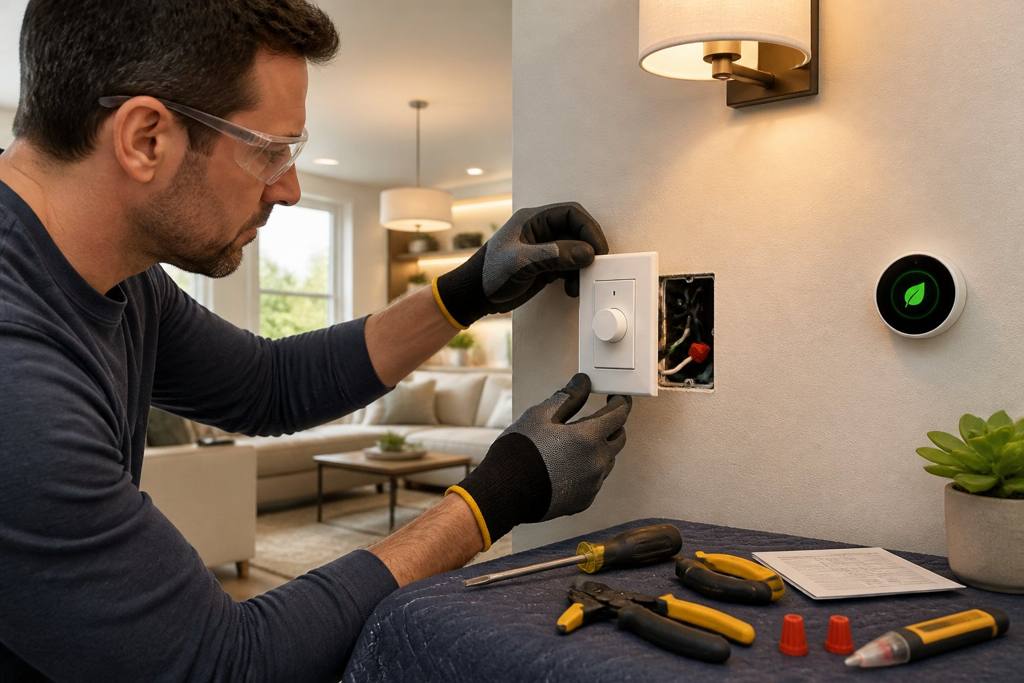
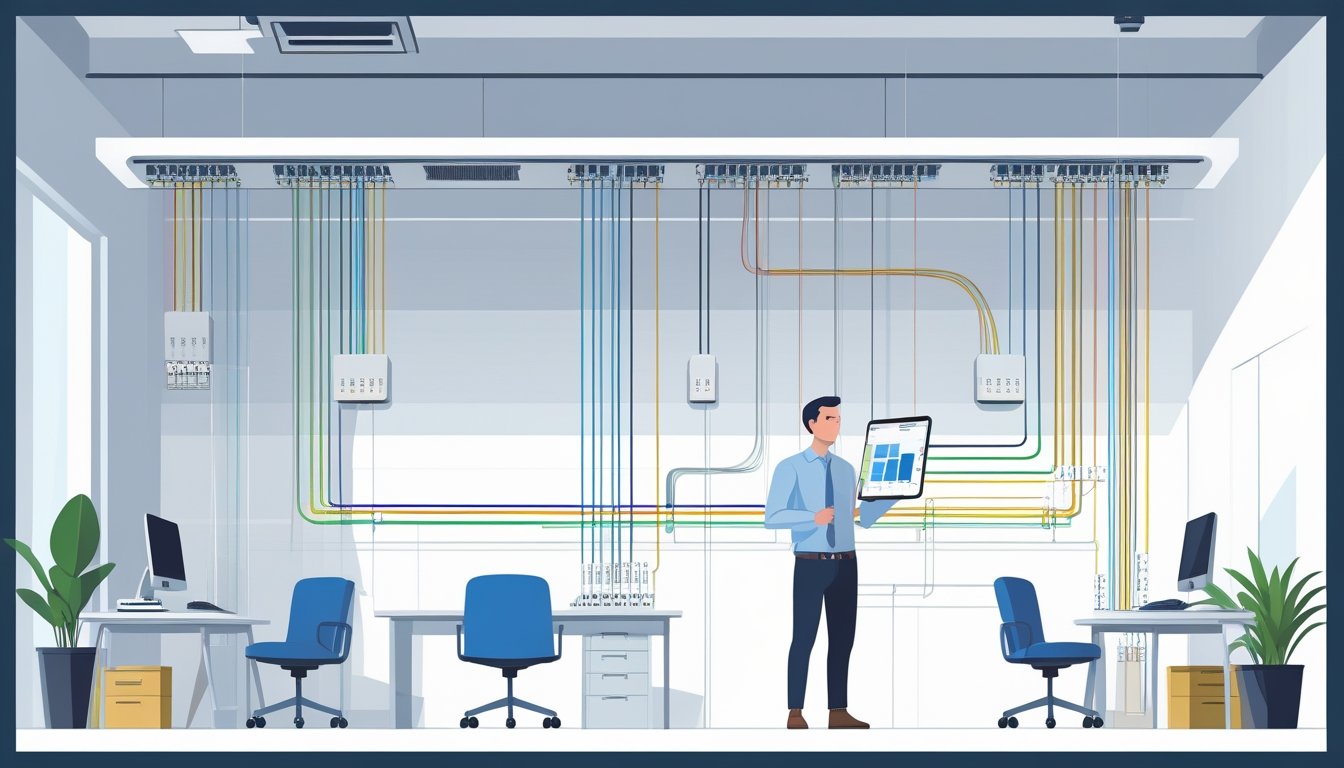
Planning the wiring layout for your new workspace is honestly one of those things you’ll thank yourself for later. If you don’t map out where outlets, switches, and lighting go before installation, you’ll probably run into headaches and extra costs down the road. You want enough power sources where you need them, plus good lighting to keep your eyes happy.
A little planning now also makes it way easier to add devices or fixtures later. The folks at Magnify Electric can help you pick out the right wiring and placements for whatever you’re building—home office, shop, or something bigger.
With licensed electricians who actually show up and handle everything from a single outlet to a full build-out, Magnify Electric’s a solid pick for residential or business jobs. We focus on work that keeps your space safe, reliable, and ready for whatever’s next.
Assessing Workspace Requirements
Before you even start sketching out a wiring plan, take a look at how much power you’ll really need. What devices are you plugging in? How many outlets will you use? Are there any gadgets that need their own circuit? If you sort this out early, you’re less likely to deal with overloads or other surprises.
Understanding Power Needs
Figure out how much juice your workspace will pull. Most home panels handle about 125 amps, but your setup might be different. Add up the wattage for everything—computers, printers, lights, chargers, all of it.
Think about what runs all day (like monitors) versus stuff that spikes power but only for a bit, like a space heater or a big printer. Knowing your real power use helps you decide if you need to upgrade your panel or just add a circuit or two. Nobody wants breakers tripping or lights flickering right in the middle of a deadline.
Identifying Equipment and Appliances
Make an actual list of everything you’ll plug in—computers, monitors, chargers, lamps, coffee makers, you name it. Check the power rating on each (it’s usually on a sticker somewhere).
Some equipment, like servers or laser printers, might draw a lot more at startup than when running. That matters for your wiring plan and which circuit gets what.
And hey, if you think you’ll add more gadgets later, plan for extra outlets or circuits now. It’s way less hassle than tearing open walls later.
Allocating Dedicated Circuits
Certain things just need their own circuit—think heavy gear like a big printer or AC unit. That way you’re not risking overloads.
For regular stuff (computers, chargers), you can share circuits, but don’t overdo it. Avoid plugging everything into one strip or outlet.
Magnify Electric can help you figure out which appliances need their own circuit and make sure everything’s up to code. Their licensed electricians know the drill and keep your setup safe.
Designing the Wiring Layout
When you’re laying out wiring, you’ve got to decide where outlets, switches, and lights go—and don’t forget data lines. A bit of organization now means less mess and hassle later.
Mapping Outlet and Switch Locations
List out all the devices you’ll use in the space. Put outlets close to desks, counters, and wherever you’ll need them, so you’re not tripping over extension cords.
Switches should be easy to reach—think near doors or where you spend the most time. Label them so you’re not guessing later.
Draw a quick sketch (paper or digital) to mark all outlets and switches. Leave some space for future stuff. If you’ve got high-power gear, plan for dedicated circuits. The team at Magnify Electric can help you get this right for safety and compliance.
Planning Lighting Arrangements
Lighting makes a bigger difference than most people realize. Mix it up: overhead lights, desk lamps, maybe some softer lighting for chill areas.
Think about where you actually work—brighter over desks, softer in corners. Go for LEDs if you want to save on bills and avoid changing bulbs all the time.
Consider controls that match your habits—dimmers, motion sensors, whatever helps you adjust lighting quickly. Sometimes, having more than one switch for the same light just makes life easier.
Plan your wiring routes so you don’t end up with a tangled mess. Magnify Electric can show you neat, safe ways to wire your lights that fit your space and style.
Organizing Data and Communication Lines
Don’t forget about internet, phones, or security systems. Place routers, access points, and ports close to where you’ll actually use them.
Use cable management—conduits, trays, whatever keeps things tidy. Label everything so you know what’s what.
Keep data cables away from high-voltage wires to avoid weird interference issues.
If you’re not sure what cables or layout work best, Magnify Electric’s experts can help you set up a system that fits your tech and can grow with you.
Ensuring Safety and Compliance
Safety and rules matter. You’ve got to meet electrical codes, use proper grounding and surge protection, and make sure emergency shut-offs are easy to reach. All of this keeps people and equipment safer.
Following Electrical Codes
Stick to local and national codes—usually the National Electrical Code (NEC) sets the standard. These rules cover wiring, circuit protection, and materials.
If you skip these, you risk fires, shocks, fines, or failed inspections. Use licensed electricians from Magnify Electric. They know the codes and keep your workspace legal and safe.
Planning for Grounding and Surge Protection
Grounding is non-negotiable. It gives electricity a safe path to the earth, protecting you and your stuff during power surges.
Surge protectors stop spikes from frying your gear. Plan for grounding wires that connect to a rod or system. Install surge protection where it matters most. This step can save you big headaches (and money) later.
Considering Emergency Shut-Offs
Emergency shut-offs let you kill power fast if something goes wrong. Put them somewhere obvious—near main doors or by risky equipment.
Everyone should know where these are and how to use them. It’s a simple thing that really boosts safety.
Magnify Electric’s team can help you set up safe, code-compliant wiring for all this stuff.
Selecting Materials and Components
Getting your workspace wired right starts with good materials. The right wiring, outlets, and panels help you avoid problems and keep things humming along. Each piece matters for how reliable your setup is.
Choosing the Right Wiring Types
Pick wiring that matches your needs. Romex cable is popular for most spaces—it’s flexible, easy, and reliable. Copper wire’s the gold standard for conductivity and durability.
Make sure wires are rated for the voltage and amperage you need. For example, 12-gauge is common for outlets, but heavy gear might need 10-gauge or thicker.
Don’t skimp on insulation. Good insulation keeps wires safe from damage and shorts. Always use wiring that meets safety standards and is rated for indoor use.
Picking Quality Outlets and Switches
Outlets and switches are where you actually connect your devices, so don’t cheap out. Go for sturdy, well-made options.
Look for tamper-resistant outlets if kids or visitors are around. Switches should feel solid—not flimsy or sticky.
There are lots of outlet types: standard, GFCI (for wet spots), or USB combos for charging. Match your picks to what your workspace needs.
Selecting Conduits and Distribution Panels
Protect your wiring with the right conduits and panels. Conduits guide and shield wires—PVC is easy and moisture-resistant, metal is tougher.
When choosing distribution panels, make sure they can handle your total load, with room to spare. Pick compatible breakers and maybe add subpanels if you think you’ll expand later.
Magnify Electric can help you pick panels and conduits that fit your space and electrical needs, so you’re safe and set for growth.
Preparing for Installation and Future Needs
Careful wiring plans save you money, time, and stress. Think about how your workspace might change, where you’ll need power, and how to keep things organized. You’ll avoid expensive changes and keep your system running smoothly.
Creating Scalable Layouts
Map out where you need power now—and where you might want it later. Think about all your gear, lights, computers, and charging spots. Build circuits with enough capacity for today plus extra for tomorrow.
Keep high-power stuff on separate circuits to avoid overloads. Choose a panel box that lets you add breakers easily. Install extra wiring or outlets in spots you might use later. Trust me, this is so much easier than patching things up down the road.
Allowing for Expansion
Leave space in your panel for future circuits. If you can, buy a panel with extra breaker slots. This makes upgrades way less painful.
Put junction boxes in places you can reach later, so you’re not tearing things apart. Use conduit or flexible tubing for wires, so changes are simple. Pick the right wire gauge—12 AWG copper is usually good for 20-amp circuits, which covers most outlets.
Labelling and Documentation
Label every circuit clearly on the panel and near outlets or switches. Use tags you can actually read. Keep a map—paper or digital—of your wiring, with notes on circuits, breaker sizes, and outlet spots.
Good labels and docs make troubleshooting or upgrades so much easier. Magnify Electric’s licensed electricians can help you set up clear labeling and keep your workspace organized.
Frequently Asked Questions
Wiring your workspace isn’t just about running cables. You’ve got to think about layout, safety, and picking the right tools. Avoid the usual mistakes and figure out your real power needs.
What steps should be taken to design an efficient electrical wiring layout for a new office?
Map out where devices and outlets go. Pay attention to how people move around, so you’re not running cords across walkways.
Plan circuits based on power needs to avoid overloads. Always add enough outlets—nobody wants a mess of extension cords.
What software tools can help create a professional electrical layout plan?
AutoCAD and SketchUp are popular—they give you clear visual plans that make wiring easier. There are also simpler tools made for home or office layouts, which help you place outlets, switches, and panels exactly where you want them.
Can you recommend any templates for drafting an electrical plan?
Honestly, templates with clear room layouts and marked electrical points can save a ton of time. I’d look for ones that already show outlet spacing, lighting fixture spots, and breaker panels—those details make things easier.
You can tweak these templates as your plans change or if you want to run them by an electrician. Super handy.
How can I ensure my electrical layout meets safety standards and regulations?
Stay on top of your local building codes and electrical standards. That means paying attention to outlet placement, circuit sizes, grounding, and GFCI outlets where you need them.
If you’re feeling unsure, you can always ask the licensed electricians at Magnify Electric to review your plans and double-check that you’re following all the safety rules.
What are some common mistakes to avoid when planning electrical wiring for a workspace?
It’s easy to underestimate how many outlets you’ll need—don’t skimp here, or you’ll end up with tangled cords and tripping hazards. Mixing high-power and low-power devices on the same circuit? Not a great idea; that’s just asking for overloads.
Think ahead, too. Plan for future needs, not just what you want right now. And whatever you do, don’t skip proper grounding. That’s one shortcut you absolutely can’t afford.
How do I determine the electrical load requirements for my workspace's layout plan?
Start by adding up the wattage for every piece of equipment you’ll use, plus the lighting. Don’t forget to think about those moments when everything’s running at once—you really don’t want to trip a breaker mid-project.
Honestly, it’s smart to leave a little wiggle room for any new gadgets you might bring in later. If you’re scratching your head over the numbers, Magnify Electric’s team can jump in and help sort things out.