You can boost electrical efficiency in offices with smart upgrades that cut waste, lower bills, and just make the workday flow better. Usually, the best approach is a mix of quick fixes and more targeted improvements—think lighting, HVAC controls, plug loads, and electrical infrastructure.
Wondering how to improve electrical efficiency in offices? Start by hunting down where the power’s slipping away, then tackle the systems that run the longest. With a good plan, you can reduce energy use without turning the office into a cave or making it uncomfortable.
Start With an Office Energy Audit
An office energy audit gives you a clear look at where electricity is going and where it’s just being wasted. It’s a lot better than guessing and helps you focus on money-saving changes first.
Identify High-Consumption Equipment
Check the equipment that runs for long stretches or pulls a lot of power. That’s usually lighting, HVAC, servers, printers, copiers, breakroom stuff, and those old computers that never seem to die.
Walk around during work hours and after closing. You’ll often catch devices left on for no reason or equipment running way hotter and longer than it should.
Review Utility Bills and Usage Patterns
Your utility bills can tell you a lot. Watch for month-to-month spikes, high demand charges, or heavy use outside normal hours.
Compare your bills with office schedules, weather, and how many people are actually there. If energy use stays high when nobody’s around, you probably need to tweak controls or check for plug loads that are sneaking by.
Upgrade Lighting for Lower Power Use
Lighting’s usually the easiest place to cut office electricity use. Better fixtures and controls can lower your power bill and actually make the place feel better.
Switch to LED Fixtures and Lamps
LED lighting just uses less power and lasts longer than old bulbs or fluorescents. In offices, that means fewer burnt-out lamps, less hassle, and lower operating costs.
A lighting retrofit can pay off fast. In a lot of offices, you’ll notice the change right away—in both light quality and your energy use.
Add Occupancy Sensors and Timers
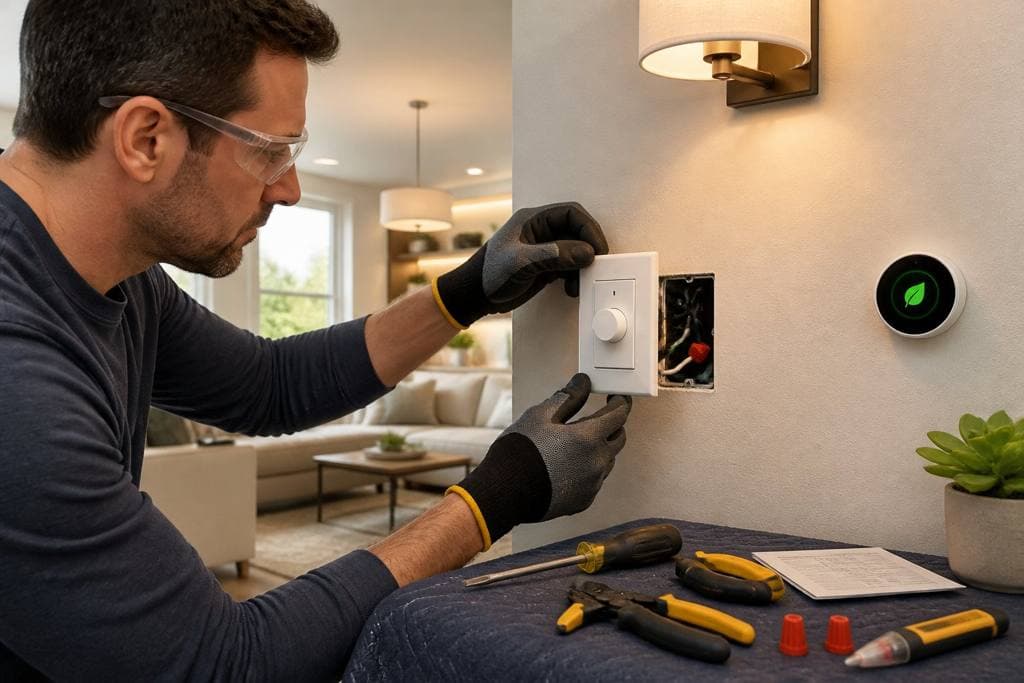
Occupancy sensors turn lights off when nobody’s in the room. Timers are great for storage rooms, conference spaces, restrooms, and copy areas where people forget to flip the switch.
These controls cut waste in spots with unpredictable use. They’re a lifesaver in offices with shared rooms and weird schedules.
Use Automated Lighting Controls
Automated controls can dim lights depending on daylight or time of day. That way, you’re not blasting full power all day long.
Daylight harvesting is especially handy near windows and skylights. Use the sun when you can, but keep work areas bright enough for everyone to see what they’re doing.
Optimize HVAC and Plug Load Performance
HVAC systems and plug loads quietly drive up electric use all day. Even small tweaks here can cut waste without making anyone miserable.
Reduce Phantom Loads From Office Devices
A lot of devices keep sipping power even when they’re off. Computers, monitors, printers, chargers, and random appliances all add up.
Try smart power strips, scheduled shutdowns, and device settings that actually power things down after hours. In a big office, this can make a surprising difference.
Coordinate Thermostats With Working Hours
Set thermostats to match when people are actually in the office, not just a generic comfort setting. Heating and cooling empty rooms is a waste and can even make plug-in devices work harder.
Programmable or smart thermostats let you adjust temps before and after hours. Keep the settings realistic so the system isn’t fighting the weather all day.
Modernize Electrical Infrastructure
Old electrical systems can drag down efficiency and make upgrades a pain. A modern setup gives you better control, safer operation, and a little breathing room for future changes.
Assess Panels, Circuits, and Wiring Capacity
If your office keeps adding equipment, your panels and circuits might be overloaded. An inspection will show if your system can handle new lighting, controls, chargers, or smart gadgets.
Outdated wiring can also cause voltage drops and wasted energy. Fixing these early saves you from bigger headaches later.
Install Smart Controls and Surge Protection
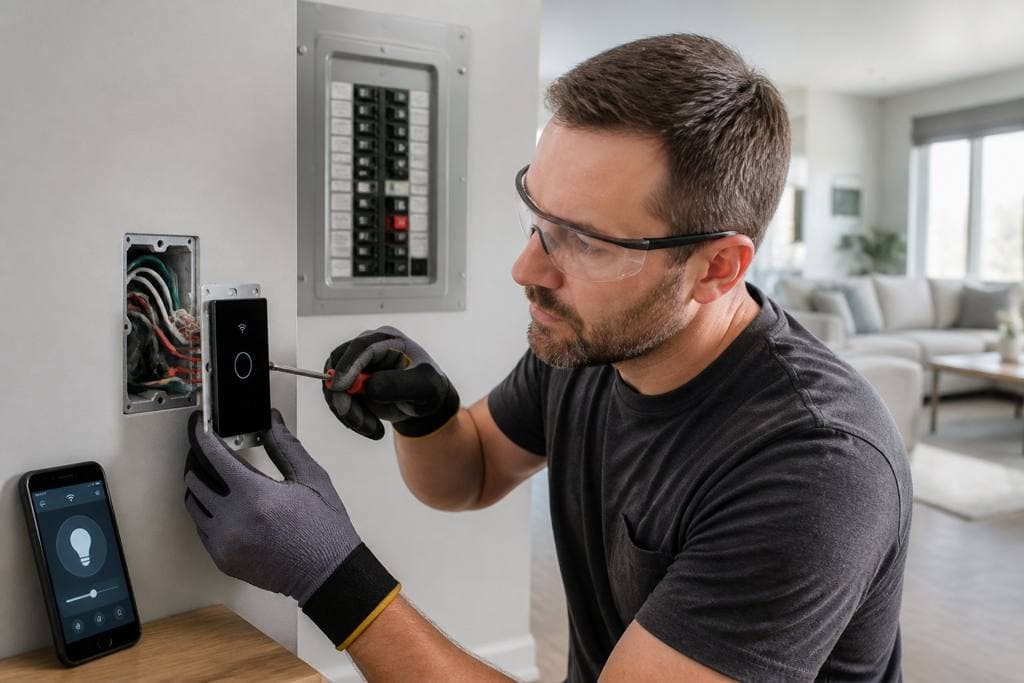
Smart controls let you manage lighting, outlets, and equipment from one spot. It’s way easier to schedule shutdowns and track energy use.
Surge protection matters too—nobody wants fried office electronics. Less equipment loss means less wasted time and money.
Improve Safety, Reliability, and Maintenance
Energy efficiency and electrical safety go hand in hand. Well-maintained systems waste less power and break down less often.
Schedule Preventive Inspections
Preventive inspections help you spot loose connections, worn parts, and overloaded circuits before they cause problems. This cuts the risk of outages and keeps things humming.
A regular maintenance plan covers lighting, panels, outlets, HVAC electrical, and smart devices. It’s not glamorous, but it beats dealing with surprise breakdowns.
Resolve Faults Before They Waste Energy
Faulty wiring, failing ballasts, bad connections, and busted controls all waste electricity. They also create heat, which just stresses the system more.
If lights flicker, breakers keep tripping, or equipment runs hot, don’t brush it off. Fixing things quickly can boost both efficiency and safety.
Plan Professional Improvements for Long-Term Savings
The best office upgrades fit your budget, your building, and your work schedule. A steady plan helps you save money without throwing everything into chaos.
Prioritize Projects by Payback and Business Needs
Tackle the low-cost, high-impact stuff first—LED lighting, occupancy sensors, plug load controls. Then look at bigger projects like panel upgrades or smart building controls.
Ranking each project by savings, upfront cost, and how much it disrupts daily work gives you a more realistic path forward.
Choose Licensed Electricians for Commercial Results
You’ll get better results when licensed electricians handle the work, especially for commercial lighting, panel upgrades, wiring changes, and smart controls. Proper installation matters for safety, code, and just making sure stuff works for the long haul.
Magnify Electric can help with everything from simple fixture swaps to full electrical upgrades, commercial lighting, safety inspections, smart home setups, EV charging, panel repairs, troubleshooting, and emergency support. If you’re in Spicewood, Austin, Bee Cave, Lakeway, Dripping Springs, Georgetown, Leander, Round Rock, Kyle, Cedar Park, Liberty Hill, Westlake, The Hills, Briarcliff, Horseshoe Bay, Sunset Valley, Hutto, or nearby Central Texas spots, Magnify Electric is a solid pick for residential and commercial jobs.
Frequently Asked Questions
What are the quickest low-cost changes we can make to cut electricity use in our office?
Start with LED bulbs, occupancy sensors, thermostat scheduling, and shutting down idle devices after hours. These are easy, barely disrupt anything, and usually pay off fast.
Which types of lighting upgrades typically save the most energy in office spaces?
LED retrofits usually save the most since they use less power and last way longer than old lamps. Adding dimmers, occupancy sensors, and daylight harvesting can bump up the savings even more.
How can we reduce energy waste from computers, monitors, and other plug-in devices after hours?
Try smart power strips, auto-sleep settings, and shutdown routines for shared gear. Group devices by area so it’s easy for staff to kill power to whole zones at the end of the day.
What HVAC settings and maintenance steps help lower power usage without making the office uncomfortable?
Use programmable schedules, adjust setpoints slowly, and make sure filters and components stay clean. Regular service keeps things running efficiently and makes rooms more comfortable.
How do smart meters, sensors, and building controls help track and reduce office energy use?
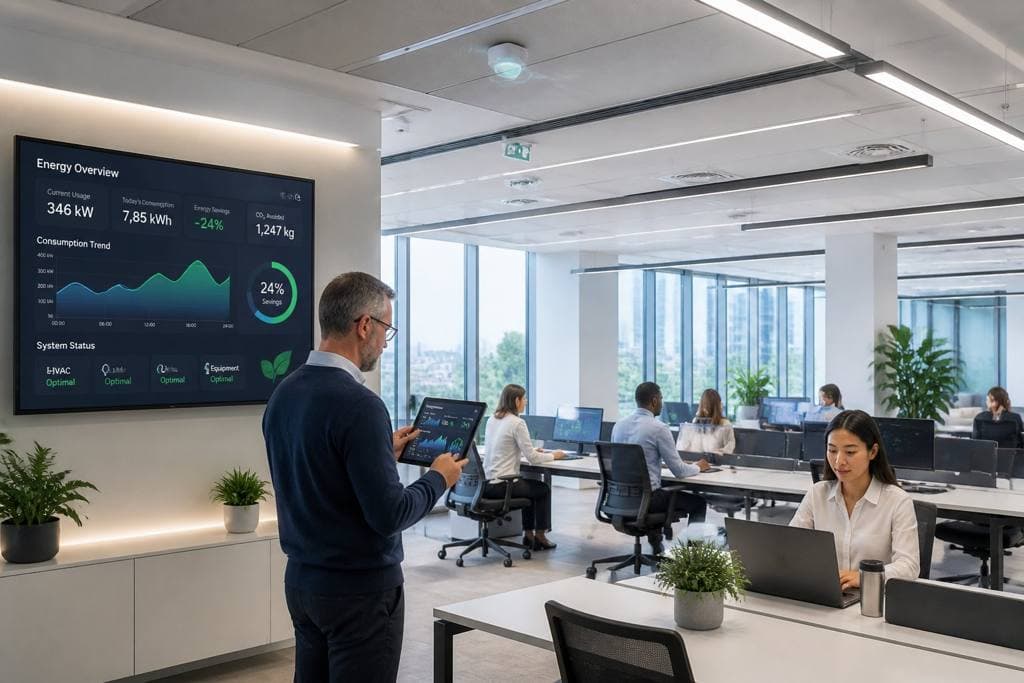
Smart meters show when and where electricity use changes. Sensors reveal patterns in occupancy, lighting, and temperature. Building controls use that info to cut waste by tweaking systems automatically.
What should we look for when choosing energy-efficient office equipment and appliances?
Check out gear with lower wattage, automatic sleep modes, and any energy-efficient certifications you can find. Honestly, it’s smart to pick devices that actually match what you’ll use—going too big usually just burns extra power for no good reason.