When a ceiling fan stops working, the signs you notice first can be misleading. A hum with no spin, a remote that does nothing, a fan that only runs on one speed: these all feel like fan problems, but some of them start somewhere else entirely, in your home's wiring.
Most ceiling fan issues really are just the fan. A worn capacitor, a tired motor, a stripped pull chain switch: these fail on their own schedule and have nothing to do with the rest of your electrical system. But a smaller number of cases are warning signs from somewhere upstream: a loose connection in the ceiling box, an overloaded circuit, or wiring that was never rated to carry what it's actually carrying.
This article covers the signs that separate a simple fan repair from a wiring problem, plus what a licensed electrician checks that homeowners can't. A worn-out capacitor is common inside an aging ceiling fan, but it's far from the only possible cause.
In this article, you will learn about:
- Your ceiling fan stopped turning. Here's what's probably going on.
- Some signs point past the fan and into your wiring
- What a licensed electrician actually checks that you can't
- Simple fix, or time to call an electrician?
Keep reading to find out which of these signs mean it's safe to wait, and which ones mean you should stop using the fan today.
Your ceiling fan stopped turning. Here's what's probably going on.
Before anything else, it helps to separate what the fan is doing from what it should be doing. A fan that hums but doesn't spin is telling you something different than a fan that does nothing at all, and both are different from a fan that only runs on one or two speeds.
These three patterns cover most of the calls Magnify Electric gets about ceiling fans, and each one narrows down where the problem actually lives before anyone touches a tool.
It hums, but the blades won't budge
A fan that hums without spinning almost always has power getting to it. The motor is trying to run, but something mechanical or electrical is stopping it: a seized bearing, a dead start capacitor, or blades that are physically jammed by something as simple as a loose screw or a bent bracket.
This is one of the few ceiling fan symptoms that's genuinely about the fan itself rather than the wiring behind it. Still, a hum that doesn't fade within a few seconds can overheat the motor winding, so it's safer to cut power at the switch rather than let it run.
A few things commonly cause this exact symptom:
- A failed start capacitor, the small component that gives the motor its initial push
- A seized or dry motor bearing after years of use
- Blades or a flywheel physically obstructed inside the housing
- A loose wire nut inside the fan body losing contact under vibration
Any one of these is a fan repair, not a house wiring problem, which is good news. The fix usually involves opening the canopy and the motor housing rather than tracing circuits back to the panel.
Still, if the hum is new and the fan was running fine a week earlier, it's worth ruling out a voltage issue before replacing parts. A motor that's been starved of full voltage for months can fail early even when the capacitor itself is fine.
Neither the remote nor the wall switch gets a response
A fan that does nothing, no hum, no light, no response to the remote, usually means power isn't reaching it at all. That's a different problem than a seized motor, and it's one that's much more likely to involve the wiring rather than the fan hardware.
The first thing to rule out is the simplest one. A faulty wall switch can cut power to a fan just as easily as a bad connection inside the ceiling box, and the two are easy to confuse from the ground.
If the fan has a remote-controlled receiver built into the canopy, that receiver can fail on its own, independent of the wall switch or the wiring behind it. Swapping batteries in the remote is worth trying first, since it rules out the cheapest possible cause before anyone opens anything up.
It runs on low, but high does nothing
A fan that works on low but not on medium or high almost always points to the speed control itself, not the wiring supplying it. Most ceiling fans step speed up using a small control module or a set of internal windings, and either one can fail at one setting while leaving the others intact.
A worn-out speed-control switch inside the fan housing is one of the more common reasons a fan loses its higher speeds while low keeps working fine. Capacitor-based speed controls are especially prone to this, since each speed setting often relies on a slightly different capacitor tap.
Some signs point past the fan and into your wiring
The three symptoms above are mechanical. These next three are different: they show up at the fan, but the cause sits somewhere in your home's wiring, and that changes who should be looking at it.
None of these three are reasons to panic, but all three are reasons to stop troubleshooting the fan itself and start thinking about the circuit feeding it.
The lights flicker or dim the second the fan kicks on
If a ceiling fan light, or any other light on the same circuit, dims or flickers the instant the fan starts, that's a voltage drop under load. A healthy circuit shouldn't sag noticeably just because a fan motor spun up.
Nationwide, lamps, light fixtures, and light bulbs account for the largest share, 28 percent, of home fires tied to electrical distribution equipment, according to the City of Charleston. Fixed wiring problems make up a large share too, and a flicker like this is often the first outward sign.
If nearby recessed lighting fixtures flicker in sync with the fan, that's a useful clue. It means the problem is shared across the whole circuit rather than isolated to the fan's own wiring, which usually points to a loose connection somewhere upstream, often at the panel or at a junction box.
You smell something warm or burning near the switch
A warm smell near a switch or the ceiling box is never something to wait out. Warm insulation, melting plastic, or anything that smells electrical rather than dusty means heat is building up somewhere it shouldn't.
That smell often means aging insulation is breaking down somewhere inside the wall or ceiling box. Aging insulation is one of the most common contributors to electrical fires in older homes, and catching it early is far cheaper than catching it late.
Treat any of the following the same way: stop using the fan at that switch and shut off the breaker until someone can take a look.
- A burning or hot-plastic smell near the wall switch or ceiling box
- Discoloration or scorch marks on the switch plate or ceiling fixture
- A switch that's warm to the touch even when the fan has been off for a while
- Sparking at the switch when it's flipped
If you're unsure whether a smell is actually electrical, it's a good moment to confirm your smoke detectors are working and have fresh batteries while you wait for someone to take a look. Failing wiring and a forgotten detector tend to go unnoticed at the same time, since neither one makes a sound until something's already wrong.
None of this means the whole house is unsafe. It means one circuit needs attention before it gets used again, and that's a fast fix once an electrician is on site.
The breaker trips every single time
A breaker that trips only when the fan runs is rarely random. Breakers are designed to trip under a real overload or a short, not out of habit, so a pattern this consistent means something specific is happening every time that circuit sees the fan's load.
A breaker that trips only when the fan runs often means the circuit is already carrying more than it should, and the real fix is giving it more capacity rather than resetting the breaker and hoping.
Before assuming the fan is the problem, it helps to know what else is sharing that circuit:
- Window air conditioning units plugged into the same room
- Space heaters or portable heaters used seasonally
- Other ceiling fans or light fixtures on the same run
- Older multi-outlet extension setups feeding several devices at once
A breaker tripping under a real overload is doing its job. The fix isn't to reset it and move on, it's to either rebalance what's on that circuit or add capacity so the fan isn't the thing that tips it over.
This is also a case where the fan itself is probably fine. Once the circuit is sized correctly for what's actually running on it, the tripping usually stops completely.
What a licensed electrician actually checks that you can't
Everything up to this point is something a homeowner can reasonably observe. What happens next, once an electrician is actually on site, is where the real diagnosis happens, and that part is hard to do from the ground with the power on.
Magnify Electric works under Texas Electrical Contractor License TECL 29321, and the process its electricians follow for a fan complaint looks the same whether the fix ends up being a five-minute capacitor swap or a full rewiring of the ceiling box.
What's really going on inside the electrical box
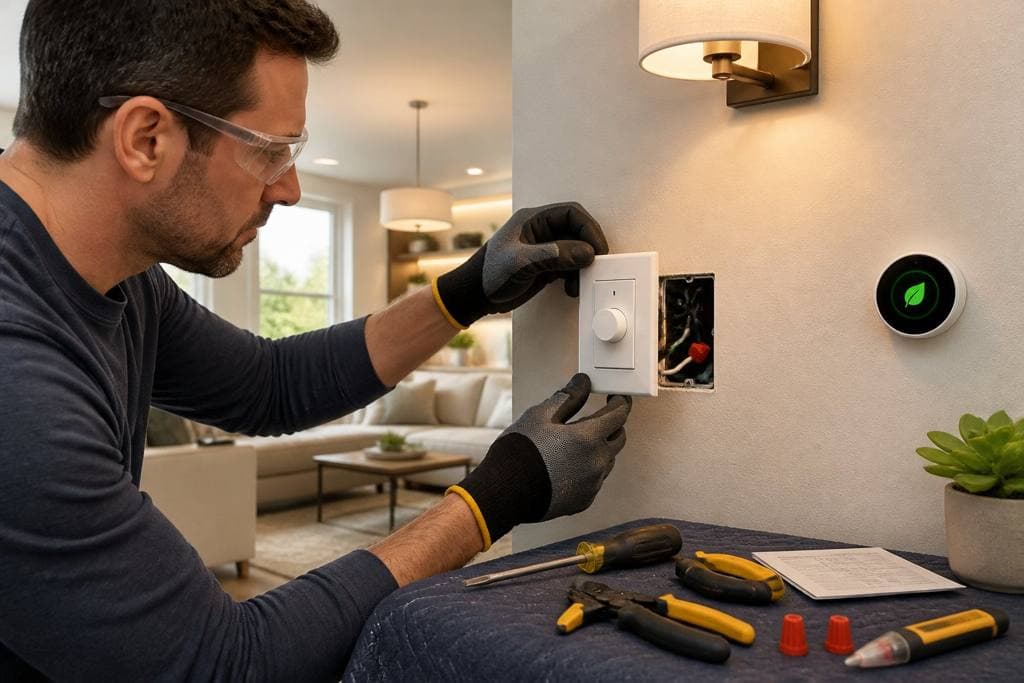
Most ceiling fan complaints that aren't mechanical trace back to the electrical box in the ceiling, not the fan hardware itself. That box is where the home's wiring physically meets the fixture, and it's where loose connections, corroded wire nuts, and overheated splices tend to hide.
An electrician traces the wiring from the fixture back toward the panel rather than guessing at the fan first, since a connection that looks fine by flashlight can still be loose enough to arc under load.
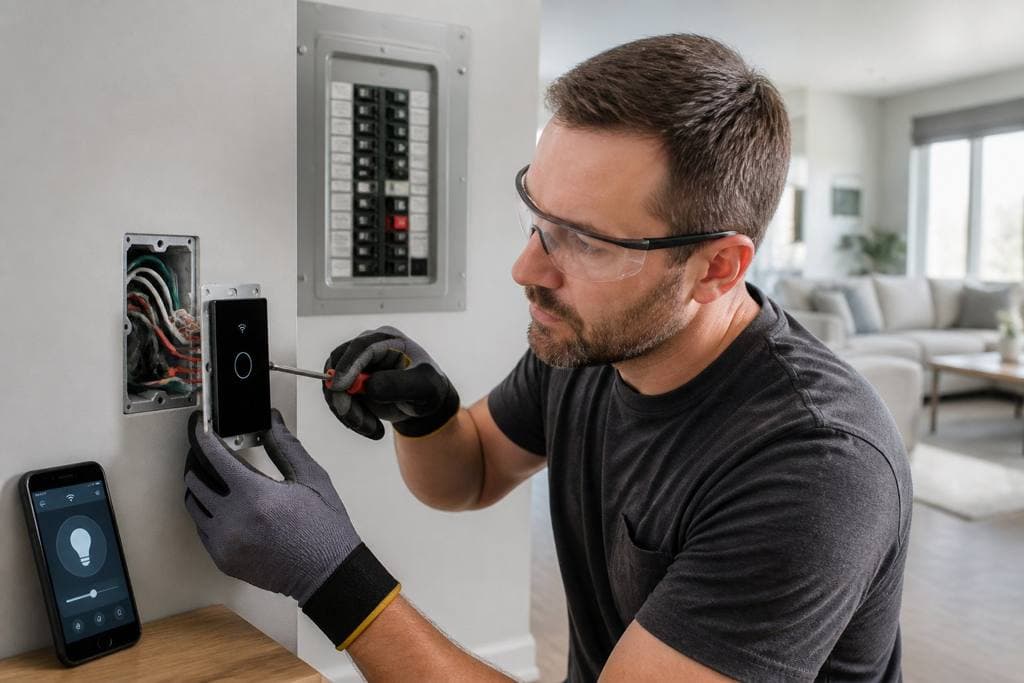
If the panel itself turns out to need attention along the way, a licensed electrician can handle panel upgrades and repairs in the same visit rather than scheduling it separately.
Whether that box can hold a fan at all
Not every ceiling electrical box is built to carry a ceiling fan. Boxes meant only for a light fixture are rated for a fraction of the weight and none of the vibration that a spinning fan adds over years of use.
Part of how Magnify's electricians troubleshoot wiring issues on a fan call is confirming the box itself before touching anything else, since a fixture-rated box under a fan is a mechanical failure waiting to happen, not just an electrical one.
This matters most in homes where a previous owner or a past contractor added a fan to a room that originally had a flush-mount light. It's a common shortcut, and it's one of the more frequent reasons a fan that was installed correctly still wobbles, hums, or eventually comes loose from the ceiling.
A typical inspection moves in a specific order:
- Cut power at the breaker and confirm it's off with a tester, not by trust alone
- Remove the canopy and check every wire nut and splice for heat damage or looseness
- Test the box itself for a secure mount and confirm it's rated for the weight and motion of a fan
- Check voltage at the fixture under load, not just with the fan off
That order matters. Skipping straight to the fan and ignoring the box is how a problem gets temporarily fixed and comes back in a few months.
It's also why a homeowner swapping in a new fan on their own doesn't always solve the original symptom. If the box or the wiring was the real issue, a brand-new fan inherits the same problem the old one had.
The capacitor and motor connections underneath
Once the box and the wiring check out, the last piece is the fan's own internal connections: the capacitor, the motor windings, and the switch housing inside the canopy.
Capacitors are small, inexpensive parts, but they take the brunt of every power fluctuation that reaches the fan. Repeated power surges can shorten a capacitor's working life well before the motor shows any wear. Pairing a fan repair with whole-home surge protection is one way to cut down on how often that part fails again.
None of this requires guesswork on the electrician's side. A multimeter reading at the capacitor and at the motor terminals tells the story quickly, and it's usually the fastest part of the whole visit.
Simple fix, or time to call an electrician?
Not every one of these signs means dropping everything and calling someone today. Some are genuinely simple, and trying them first costs nothing but a few minutes.
Others are the opposite: signs that mean the fan should stay off until a licensed electrician has actually looked at the wiring behind it.
A few things worth trying yourself first
Before assuming the worst, a handful of checks are safe for almost anyone to do without touching any wiring directly.
These won't fix a wiring problem, but they rule out the cheapest and most common causes first, which saves time either way.
Try these in order:
- Replace the remote's batteries and confirm the wall switch, if there is one, is actually turned on
- Reset the breaker once and note whether it trips again immediately or holds
- Check the pull chain and speed selector for physical damage or looseness
- Look at the ceiling around the fixture for any discoloration before continuing
If resetting the breaker only buys a few hours before it trips again, the issue probably isn't the switch or the fan at all. Panels in older homes benefit from regular maintenance checks that catch loose breaker connections before they turn into a recurring trip.
None of these steps require opening the fan housing or touching exposed wiring, which is exactly the point. Anything beyond this list is where a licensed electrician should take over.
The signs that mean stop troubleshooting and call
Some signs on this list are fine to wait a day or two and schedule around. Others aren't.
More than one of these signs showing up at once is a good reason to schedule a full home electrical inspection instead of continuing to chase the fan problem on its own.
Stop using the fan and shut off power at the breaker if you notice:
- Any burning smell, warmth, or discoloration at the switch or ceiling box
- Sparking, visible scorch marks, or a breaker that trips on the first attempt every time
- A fan that has worked fine for years and suddenly shows two or more of these signs at once
One of these signs alone is worth a phone call. Two or more at the same time means the fan should stay off until someone has actually looked at the wiring, not just reset the breaker and hoped.
This is the short list where waiting genuinely adds risk instead of just adding inconvenience.
What actually happens when Magnify shows up
A typical visit starts the same way the diagnosis above does: confirm what the fan is actually doing, check the box and the wiring before the fan hardware, and only replace parts once the actual cause is confirmed.
Magnify Electric has worked on homes across Austin and the surrounding Hill Country since 2012, and the approach stays the same whether the fix is a ten-minute capacitor swap or a full rewiring of an outdated ceiling box: done once, done right, with upfront pricing before any work begins.
If the existing fan is damaged beyond a reasonable repair, the same visit can also cover putting in a replacement fan with a remote, so the room isn't left without one while parts get sourced.
When a fan problem is really a wiring problem
A ceiling fan that hums, stalls, or ignores its remote is annoying, but it's rarely dangerous on its own. The signs worth paying closer attention to are the ones that point past the fan: flickering lights, a warm switch, a breaker that won't stay reset, or a burning smell that wasn't there last week.
Most of what's covered here comes down to one idea. A fan problem that's mechanical is a fan repair. A fan problem that's electrical is a wiring problem wearing a fan's symptoms, and it deserves a different kind of attention.
If your ceiling fan is showing more than one of these signs, or if anything about it smells or feels warm, it's worth having it looked at rather than guessing. Call (512) 731-0868 or contact Magnify Electric and a licensed electrician can confirm what's actually going on before it becomes a bigger repair.